QR code for real estate signs you never reprint
A scan opens your real estate listing on any phone, with the virtual tour and a booking link one tap below.
Want to swap the PDF later, or see who scans it? Create a free account →
How to make a QR code for a real estate listing
The sign maker needs the code before the brochure is final — and that's fine, because the file behind it can change later.
Why a code printed on a sign can open a PDF that didn't exist when it went to print: How QR codes work
Northside Realty
1428 Oak Street
Sam Rivera
Listing agent · Northside Realty
Open the downloaded file to add it to your contacts.
What buyers see when they scan a real estate QR code
The address and your agency sit above the first page of the listing, so someone standing on the pavement knows they have the right house before they open anything. One tap opens the whole PDF in the phone's browser — no app, no download, nothing to sign in to.
Under the listing go up to 3 links: the virtual tour, the listing page on your site, a calendar to book a viewing. On Pro, a contact card sits between them with your name, phone and email — buyers can call from the page, or save you to their contacts and find you again after the viewing.
What to put behind a real estate QR code
Anything a buyer or tenant would otherwise ask you to send. One PDF per code, and the page can link to the rest.
Listing sheet or brochure
Photos, price, rooms and features in one document. It is what the sign advertises, so it is what the scan should open.
Floor plans
The page buyers zoom into most. On a phone they can pinch in on a single room without asking you to email the file.
Disclosures and HOA documents
Hand them out at an open house without printing a stack for every visitor. If a document is revised, replace the file.
Leases and move-in guides
For rentals: the lease terms before a viewing, or the move-in guide on the door of a unit that is already let.
New development brochures and price lists
Prices on a new development change with every release. A hoarding printed once can open whichever price list is current.
Not a listing? Any document works the same way: QR code for PDF
Price reduced, under offer, sold — keep the same sign
A code printed on a sign or a flyer cannot be edited, but the file behind it can. When the price drops or the listing goes under offer, upload the new PDF and every printed code opens it from the next scan. Replacing the file is free on every plan, and earlier versions are kept.
When the property sells, the sign does not have to go in the bin. Replace the listing with the next property, change the address above it, and the same printed code on the same sign opens the new one.
Where to put a real estate QR code, and how big
A common rule of thumb is a code about a tenth of the distance it is scanned from. Keep it dark on a light background, with the empty margin around it intact.
Yard signs and sign riders
Most people step up to within 2 m (6 ft) of a sign to scan it, so print the code about 20 cm (8 in) across. Choose Highest error correction: a sign spends months in the rain and sun.
Window cards
Scanned through the glass from arm's length or a little further: 5–10 cm (2–4 in). Print it on the white of the card, not over a photo of the house.
Flyers and brochures
Held in the hand, 2.5 cm (1 in) is enough. Put it beside the price, where the reader is already looking.
Business cards
Keep it at 2 cm (0.8 in) or more; below 1.5 cm most phone cameras stop resolving the code. The back of the card has room for it.
How free is a QR code for real estate?
Free is a plan here, not a trial with a clock on it. Three codes stay yours, keep resolving, and never carry an advert. Here is exactly what each paid plan adds.
Real estate QR code questions
Before you print the sign
The longer versions of two answers on this page: how a QR code turns into a link, and how to make one for a PDF so it still scans after printing.
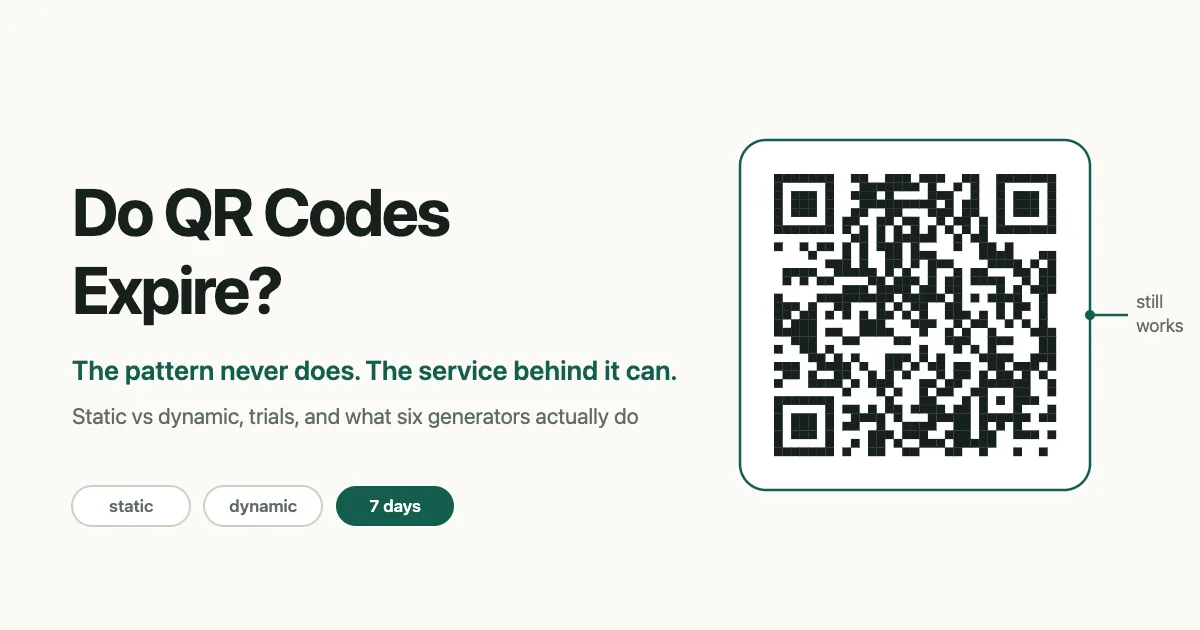
Do QR Codes Expire? How Long a Printed Code Keeps Working
A QR code never expires on its own, but the service behind a dynamic one can. What 6 generators do when a trial or plan ends, with sources, and how to test.
Read the guide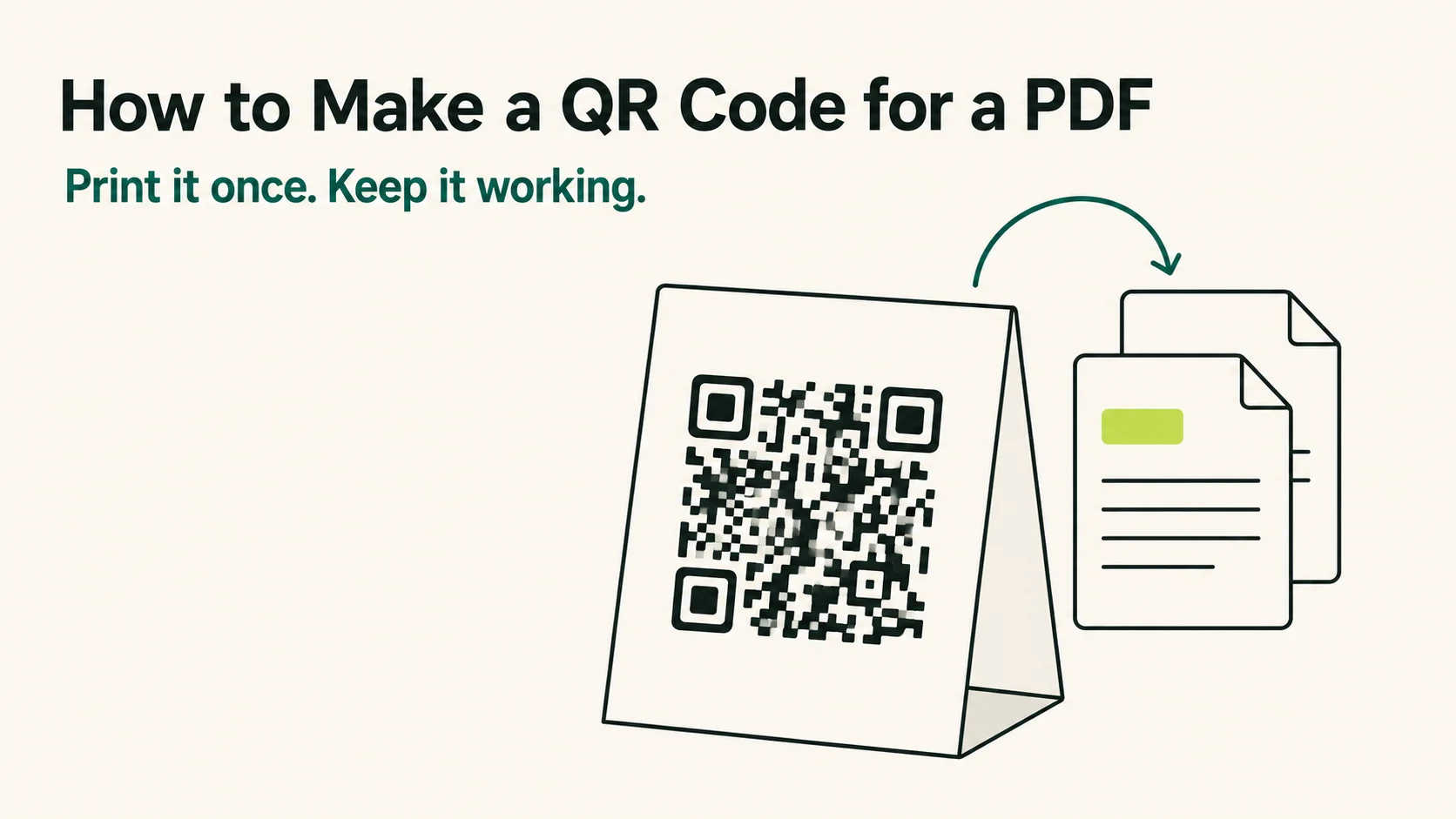
How to Make a QR Code for a PDF That Keeps Working
How to make a QR code for a PDF in four steps — and how to pick the host, the error correction and the code type so it still scans a year after printing.
Read the guidePrint the sign once.
Replace the listing whenever it changes.
Create a QR code for real estate in a few seconds, then put it on the sign, the flyers and the window card.