Audio to QR code that plays anywhere
Upload an audio file, print the QR code, and whoever scans it hears the track in their browser. No app to install, and nothing to reprint when you change the audio.
Want to swap the audio later, or see who scans it? Create a free account →
How to make an audio QR code
No account needed to try it. The QR code appears while you are still reading this.
Recording still sitting in a voicemail, a chat thread or an app that will not export it? Getting it out as a file
What is actually inside the square, and why the sound cannot fit in it: How QR codes work
When a platform link is the better tool
Streaming platforms generate their own codes and links, and those are the right choice. Nothing is uploaded and listeners land in the app they already use.
An unreleased demo, a rough mix, a guided-tour stop, a voice message on an invitation. There is no platform link to share because the file was never published. That is what this is for.
Printing an audio QR code people will actually scan
Built for audio that lives on a label
Once the sticker is on the bottle the QR code is out of your hands. The things that usually break at that point are the things this is built around.
Six places an audio QR code does the work
An audio QR code is small enough to sit on a label, and what it opens is something a printed line has no room for.
Museum and gallery labels
A curator talks for ninety seconds beside the painting. Record the same stop in a second language and the label on the wall stays where it is.
Language flashcards
The back of the card plays a native speaker saying the word — the stress, and the vowel the spelling lies about.
Bottles and tasting notes
The winemaker describes the vintage in their own voice. New release, new recording, same neck tag.
Packaging and setup guides
Spoken instructions for the step where a printed diagram runs out of room — which hose goes where, how tight is tight enough.
Signs people cannot easily read
A notice set in small print gets an audio version beside it, so nobody has to go and find a member of staff and ask them to read it out.
Cards and stationery
A recorded message travels on the card itself. The paper is the keepsake and the voice is the part that is hard to write down.
How free is the free audio QR code?
Free is a plan here, not a trial with a clock on it. Three codes stay yours, keep resolving, and never carry an advert. Here is exactly what each paid plan adds.
Before you print it
Where the recording comes from, and what the square holds
Two guides for the parts this page answers in a sentence: getting audio out of a voicemail or a chat thread, and why the sound itself is not inside the code.
How to Turn a Voice Recording Into a QR Code
Put a voice memo, a voicemail or any audio file behind a QR code that plays in the browser. Getting the file out, what to print it on, who can hear it, and how long it lasts.
Read the guide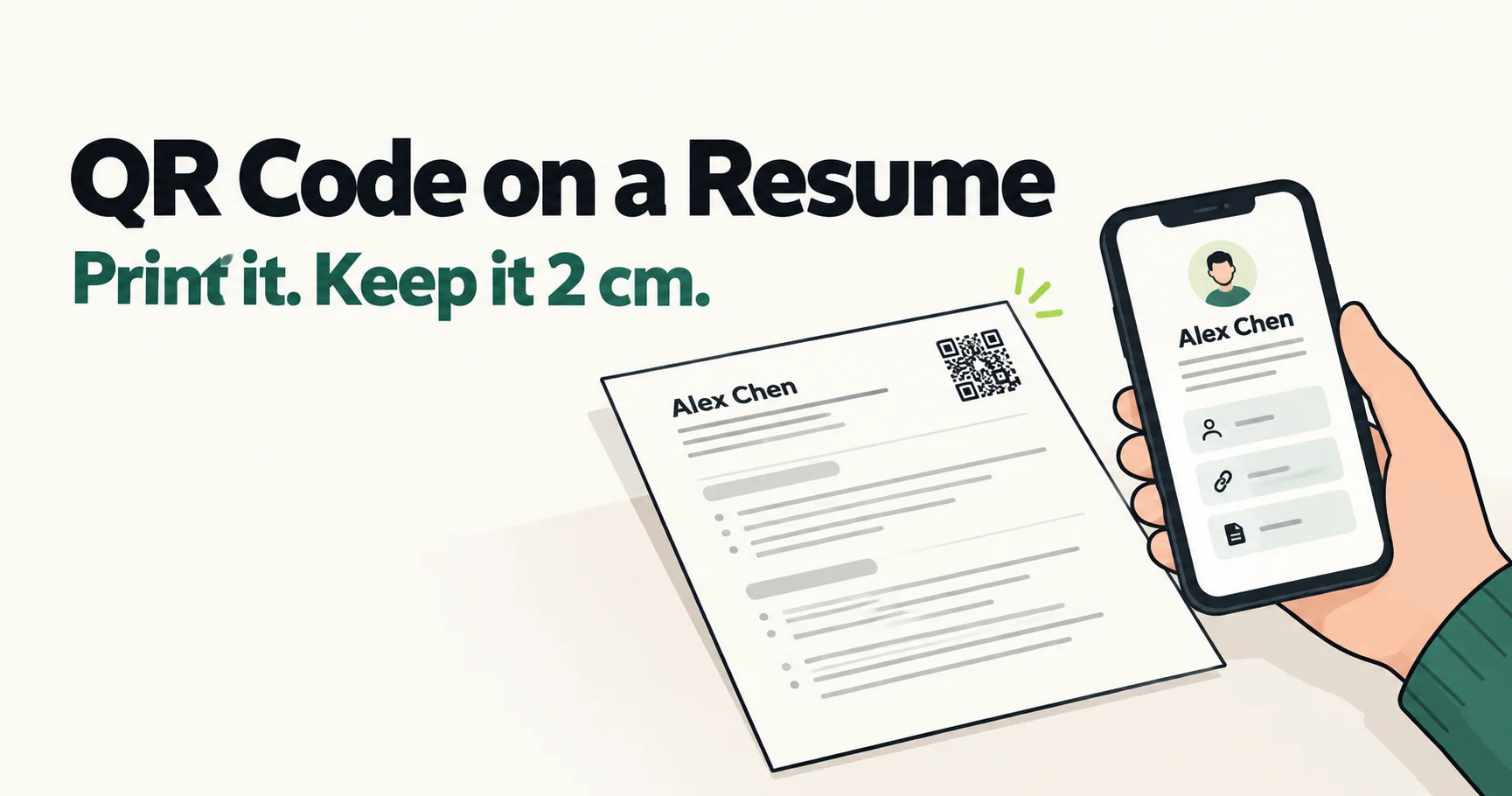
QR Code on a Resume: When It Helps, Where It Goes, How Small It Can Be
Put a QR code on the resume you print, not the one you upload. In a scan test, a 2 cm code still read from 45 cm after a photocopy; a 1 cm code did not scan.
Read the guidePrint the code once.
Change the track whenever you like.
Audio to QR code in the time it takes to read this line. No account, no app.