Generate a QR code for PDF that works forever
Upload a PDF, print the code anywhere. It opens right in the browser — no app, no download, and it never stops working.
Want to swap the PDF later, or see who scans it? Create a free account →
From PDF to printed code
in under a minute
The longer version, including what to check before a print run: How to make a QR code for a PDF
The numbers behind a QR code for PDF that survives print
A code on a screen can be redrawn. A code on a thousand menus cannot. These are the settings that decide whether yours still scans a year from now — and what we set by default.
3 MB anonymous, 10 MB on a free account, 15 MB on Starter, 25 MB on Pro. Above that a scan stalls on phone data, so a long catalogue is better split than shipped whole.
Built for codes that live on paper
Once a code is printed it is out of your hands. The things that usually break one are decisions made before printing — these are the ones we made for you.
One tool, a thousand tabletops
The same code, printed once. What changes is the file behind it — which is the difference between a reprint and a two-minute edit.
Restaurant menus
Prices move, dishes come off. Swap the PDF on Monday and every table tent already on the floor shows the new one.
Event programmes
Schedules change up to the morning of. The badge in a thousand hands keeps working while the running order behind it does not.
Product manuals
A code on the box outlives the revision inside it. Point it at the current manual instead of shipping an erratum.
Price sheets and quotes
Send one link that stays valid. When the quote is superseded, replace the file rather than chasing the email.
Property listings
A window card is printed once and stands for months. The brochure behind the code can follow the price down.
Resumes and portfolios
Print the code on a card. Update the PDF before every interview without ordering new cards.
How free is the free QR code for PDF?
Free is a plan here, not a trial with a clock on it. Three codes stay yours, keep resolving, and never carry an advert. Here is exactly what each paid plan adds.
Longer answers, when you want them
How a QR code works, how to print one that still scans years later, and what to check before it goes on paper.
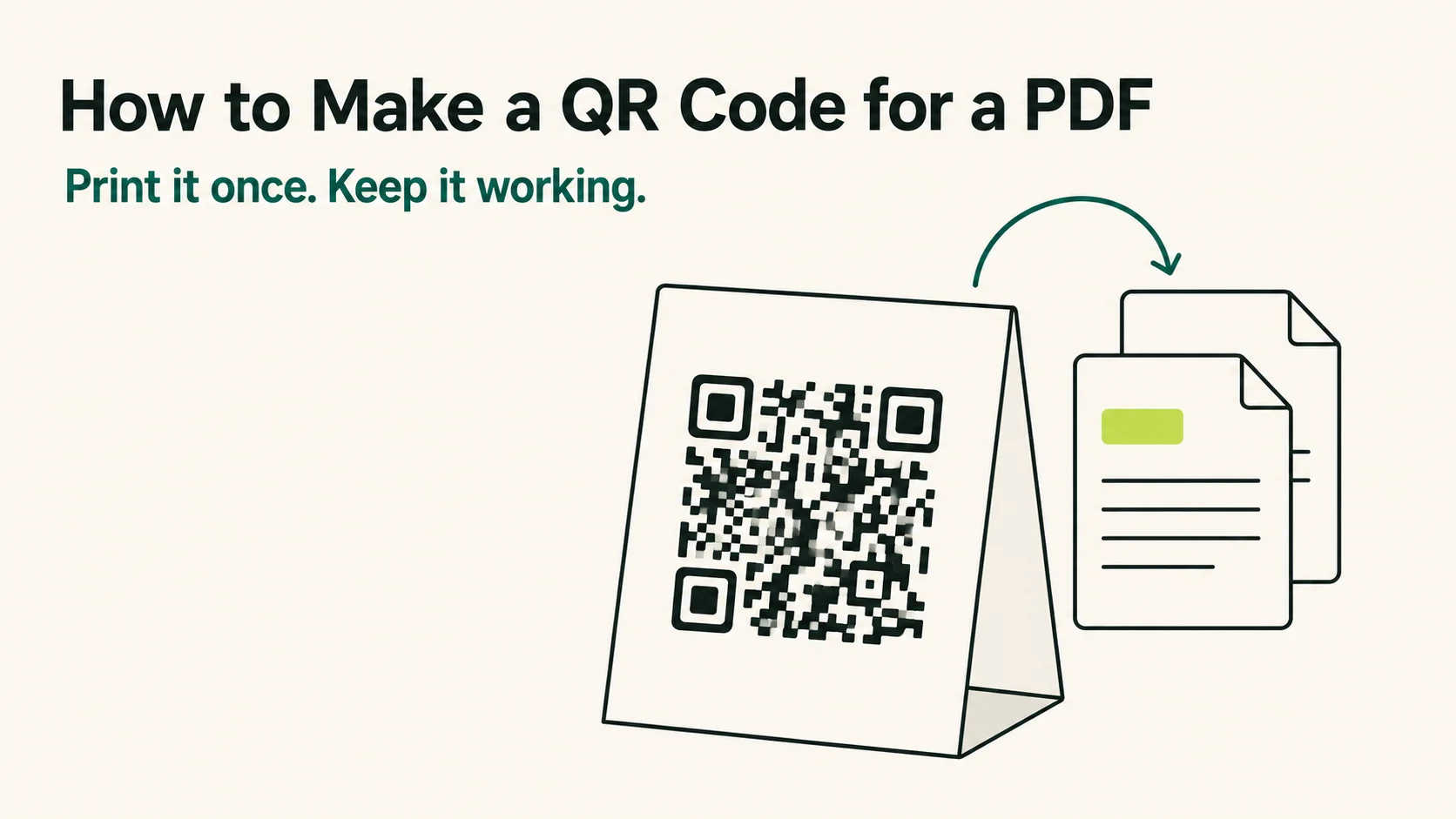
How to Make a QR Code for a PDF That Keeps Working
How to make a QR code for a PDF in four steps — and how to pick the host, the error correction and the code type so it still scans a year after printing.
Read the guide
QR Code Not Scanning? Is It the Print, the Phone or the Link
A QR code that will not scan failed at the phone, the link or the print. 2 tests of 1 minute each tell you which, and the print fixes come with numbers.
Read the guide
Do QR Codes Expire? How Long a Printed Code Keeps Working
A QR code never expires on its own, but the service behind a dynamic one can. What 6 generators do when a trial or plan ends, with sources, and how to test.
Read the guidePrint it once.
Never think about it again.
Your first code is free — and it'll outlive the paper it's printed on.