QR code for resume and portfolio
A scan opens your resume in the browser, with your LinkedIn and other links below.
Want to swap the PDF later, or see who scans it? Create a free account →
How to make a QR code for your resume
No account needed to try it. The code is created the moment you choose the file.
What the square actually holds, and why your resume is not inside it: How QR codes work
What recruiters see when they scan it
A page with your name, your headline and a button that opens the resume in their browser. There is no app to install, nothing to download and no request-access screen from a file-sharing drive.
Your links sit under the resume as buttons, so the portfolio is one tap away instead of an address somebody has to type from paper.
Should you put a QR code on your resume?
It depends on where the resume is going.
Applicant tracking systems read text, not images, so a QR code on an online application is never scanned. Some recruiters also avoid scanning codes from strangers, because the FBI has warned that criminals use them to send people to fake sites. On that version, put your portfolio link in plain text.
Business cards, career fair handouts, a printed portfolio, the copy you bring to an interview. On paper there is no link to click, and a code saves somebody typing an address. Scan a printed copy before you hand any out: a code that works on screen can still fail once it is small and on paper.
A resume QR code that outlasts the job search
Cards get handed on and portfolios get passed around long after you print them. These are the parts that keep a printed code useful.
- At least 2 cm wide
- Short link as text
- Clear space around it
Where the QR code goes in a resume
In the header beside your contact details, or at the end of the last page. Keep it at least 2 cm (0.8 in) wide so it scans from a desk, with clear space on every side.
Print the short link as text next to it. It tells a reader where the code leads, and it still works when the page is photocopied or the code gets scuffed.
Where people use a resume QR code
Anywhere a resume travels on paper, where nobody can click a link.
Business cards
A card has room for a name and a phone number. The code carries the rest: the resume, the portfolio and the profile.
Career fairs
Recruiters collect dozens of handouts in a day. A code on yours lets them open the full resume later, away from the stand.
Printed portfolios
Designers and architects bring a book to the interview. A code on the back cover opens the latest resume and case studies.
The copy you hand over
The paper resume passed across the table links to work samples that do not fit on two pages.
Name badges
At a meetup or a conference, a code on your badge is quicker than spelling out an address.
Academic posters
A code in the corner of a research poster lets a hiring committee read the CV behind the work.
This resume is no longer shared
It was taken offline on . Get in touch with whoever shared it if you still need it.
jane-doe-resume.pdf
Take your resume offline once you are hired
A resume carries your phone number and your email address. With a free account you can set a date for it to stop opening: in 30, 60 or 90 days, or on a day you choose.
After that date, anyone who scans an old card sees a notice instead of your resume. The file stays in your account, and moving the date puts the resume back online.
How free is a QR code for resume?
Free is a plan here, not a trial with a clock on it. Three codes stay yours, keep resolving, and never carry an advert. Here is exactly what the paid plan adds.
Resume QR code questions
Before you print the code
The longer versions of two answers on this page: how a QR code turns into a link, and how to make one for a PDF so it still scans after printing.
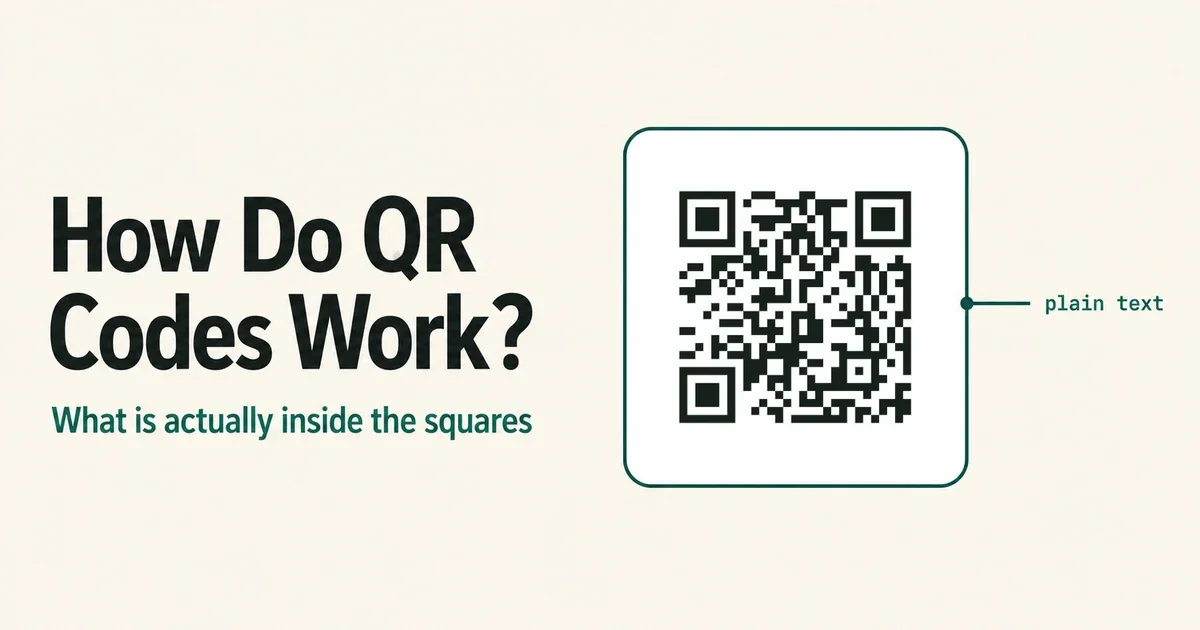
How Do QR Codes Work? What Is Actually Inside the Squares
How QR codes work, from the bytes in the grid to the redirect behind a dynamic code — including why two codes for the same link can look completely different.
Read the guide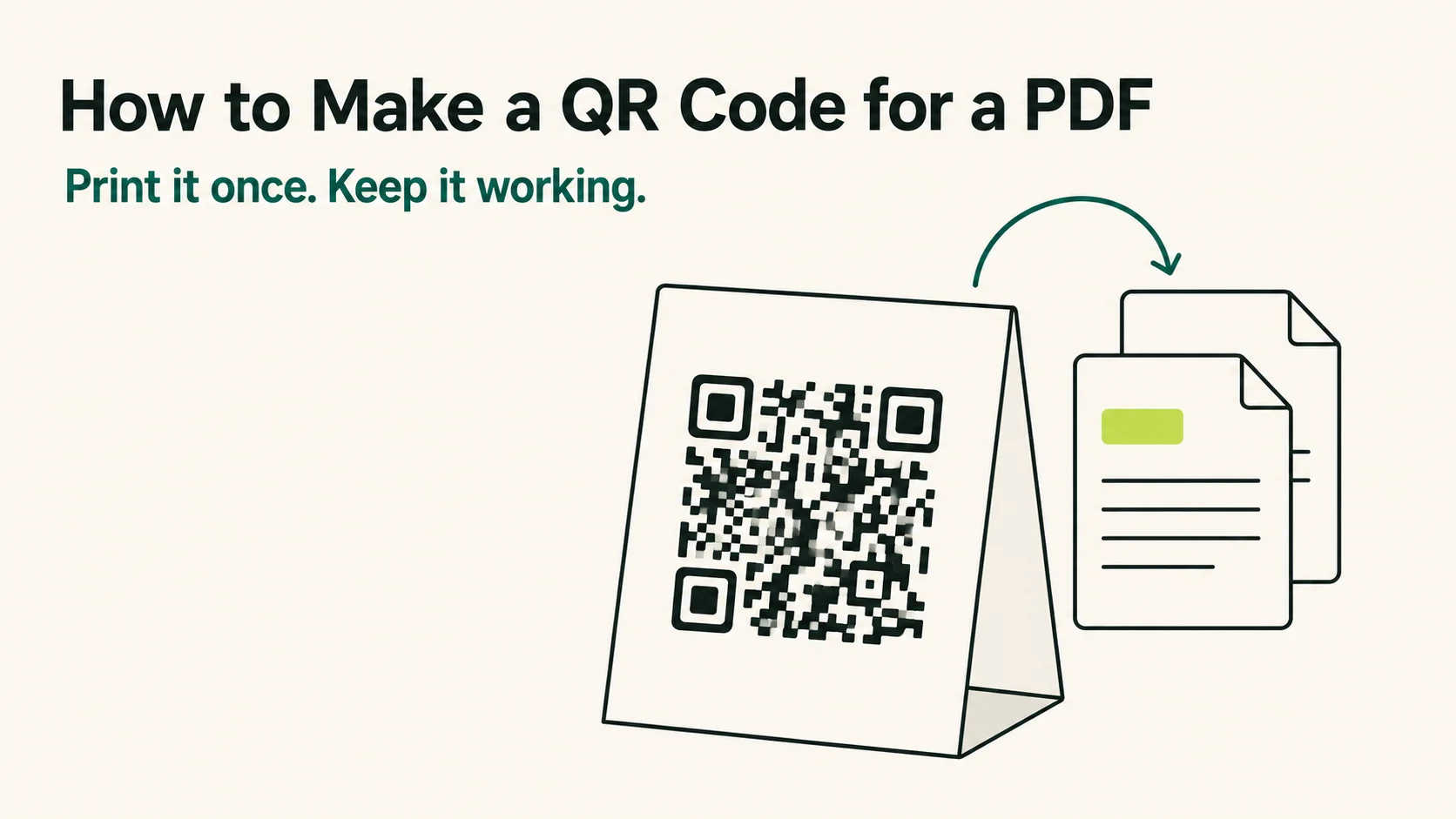
How to Make a QR Code for a PDF That Keeps Working
How to make a QR code for a PDF in four steps — and how to pick the host, the error correction and the code type so it still scans a year after printing.
Read the guidePrint the code once.
Update the resume whenever you like.
Create a QR code for resume and portfolio links in a few seconds, then print it on the cards and copies you take to career fairs and interviews.